


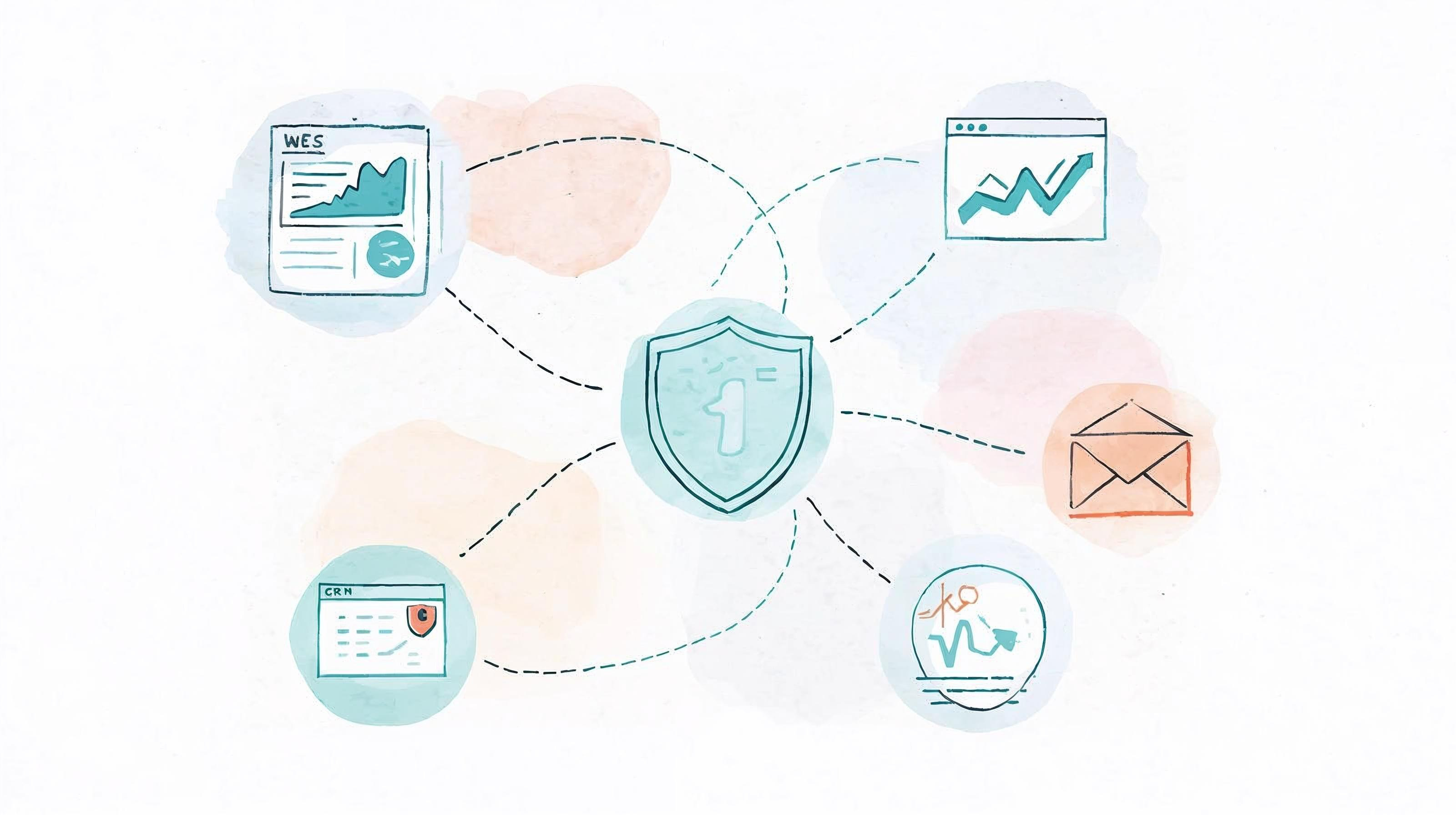
The Goal: Marketing That Respects Privacy and Still Performs
Many businesses worry that privacy rules will slow down their marketing or limit data insights. The truth is the opposite: companies that put privacy first often build more trusted brands and more accurate data systems.
Privacy-safe marketing is about collecting less, but smarter.
It is possible to run powerful campaigns, measure performance, and fully comply with laws like the California Invasion of Privacy Act (CIPA) and the California Consumer Privacy Act (CCPA).
This article explains how to design a marketing stack that balances performance with privacy, step by step.
Step 1. Map Your Data Flow
Start by understanding what data moves where.
Ask three simple questions:
What data do we collect? (IP, email, form fills, behavior)
Where does it go? (Google, HubSpot, LinkedIn, or your CRM)
Who can see it? (internal users, agencies, vendors)
Create a one-page map of your key tools:
Website → Tag Manager → Analytics → CRM → Email Platform → Ads
This visual helps you see where you can reduce exposure or add consent controls.
Step 2. Choose a Privacy-Centric Tag Management Setup
If you use Google Tag Manager (GTM), it should never fire marketing or analytics tags before consent.
How to configure it safely:
Use your consent-management tool (Cookiebot, OneTrust, or CookieYes) to block tags until acceptance.
Set GTM triggers to fire only after the user gives consent.
Test by opening your site in incognito mode and confirming that no tags load before acceptance.
If you want more control, move to Server-Side Tagging using Google Tag Manager Server-Side. This routes tracking data through your server, letting you remove IP addresses or device identifiers before sending anything to vendors.
Step 3. Use Privacy-First Analytics
Instead of relying only on Google Analytics, add tools designed for privacy by default.
Good options:
Plausible.io – lightweight, cookie-free, and fully GDPR/CIPA compliant.
Fathom Analytics – similar model, simple dashboards, and no personal data stored.
These tools track trends and user behavior without collecting personally identifiable information. Many businesses use Plausible or Fathom for top-level insights and GA4 for deeper analysis with consent.
Step 4. Keep Your Advertising Data Clean
Platforms like LinkedIn, Facebook, and Google Ads can still be used safely if you handle consent correctly.
Checklist:
Enable Consent Mode in Google Ads and Analytics. It ensures ad tags respect cookie preferences.
For LinkedIn, load the Insight Tag only after consent is given.
Avoid “always-on” retargeting pixels that track every visitor.
Do not upload or sync contact lists without documented permission.
When possible, use server-side conversions or API-based tracking that removes user identifiers before sending data.
Step 5. Use Secure Customer Platforms
Your CRM, marketing automation, and email tools should follow privacy standards.
Examples of compliant, widely used tools:
HubSpot (with GDPR/Cookie settings enabled)
Zoho CRM (privacy certifications under ISO 27001 and SOC 2)
ActiveCampaign (allows consent capture and data export on request)
Before you onboard any new software, check that it supports:
Data storage in the U.S. or EU regions with clear compliance policies
User deletion and consent tracking
Signed data-processing agreements (DPA)
Step 6. Align Marketing, Legal, and Engineering Teams
Privacy is not a legal problem alone; it is an operational habit.
Schedule short check-ins between teams:

Quarterly collaboration prevents gaps and shows regulators that you operate responsibly.
Step 7. Measure What Matters
You do not need personal data to measure marketing impact.
Shift from tracking individual users to tracking meaningful business metrics:
Conversions per source
Form fills per campaign
Visitor-to-lead ratio
Qualified leads and closed deals
These numbers come from aggregated data and CRM insights, not cookies or pixels.
Step 8. Communicate Transparency to Users
Visitors appreciate honesty. Make your privacy statement clear and visible.
A good privacy page should include:
What information you collect and why
Which tools you use (Google Analytics, LinkedIn, etc.)
How visitors can opt out or request deletion
Contact details for privacy inquiries
Transparency reduces complaints and builds trust with customers and partners.
Step 9. Review and Refresh Regularly
Technology and laws change fast.
Run a tag audit every three to six months
Update your cookie policy yearly
Monitor new cases under CIPA and CCPA
Keep documentation of every update
Consistent maintenance keeps you ahead of lawsuits that target outdated or misconfigured tracking setups.
The Takeaway
A privacy-safe marketing stack is not about limiting growth. It is about running your marketing in a way that protects both your customers and your company.
By collecting only what you need, asking for consent first, and keeping clear records, you can continue to run strong, data-driven campaigns without fear of legal risk.
Privacy is no longer a compliance box to check. It is part of good marketing practice and brand trust.